 Hi there and thanks so much for stopping by!
My name is Wolf Paulus, I’m a software engineer, innovator and educator based in Sedona, Arizona (consequently a hiker and photographer). This is my journal, where I share thoughts and ideas on technology.
I’m an Assistant Professor of Computer Science at Embry-Riddle. Occasionally, I speak at conferences on topics ranging from Embedded/Mobile Technology to Emotional Prosody and Voice and Conversational User Interfaces.
LATELY / UPCOMING
April 12-13, 2022 Conversational Interaction Conference

The CI Conference #CIcon2022 was taking place in the Heart of Silicon Valley, focusing on major AI trends in conversing with computers in human language.
My talk was titled “Onward to Conversational Applications“
When in the nineties, companies started publishing their websites, they needed people with a new skill set: Webmasters.
Today, this dated job title has morphed into a broad field of tech employment, including graphic design, search engine optimization, content strategy. Most of what early Webmasters did, is now handled by content management systems like WordPress. Modern websites are rather web applications and interaction logic has moved from the backend to the web browser.
This talk explores how much the above mentioned trends can already be observed developing Conversational and Voice User Interfaces and how a new approach to API design may make the “Webmasters for VUI” obsolete.
Shallow CUIs and VUIs are today’s goofy static web pages that need to be replaced by full-blown conversational applications.
November, 2020, Voice! 2020

VOICE Summit is the leading annual event bringing together 5,000 of the voice tech industry’s top creators, developers, designers, marketers and executives.
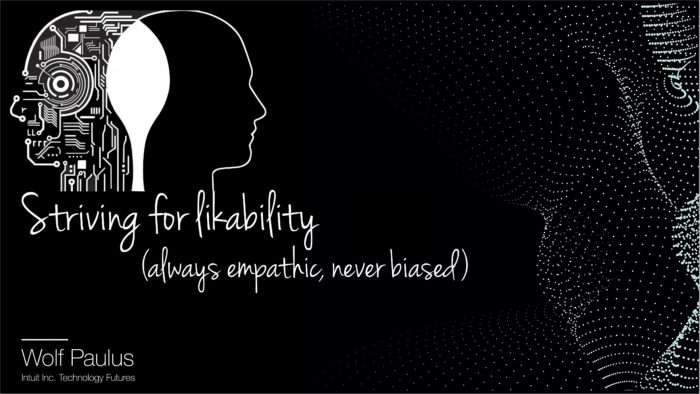
I talked about “Striving for likability” Over the next decade, the ambient computing era will eclipse the PC era. Information will be available everywhere, accessible frictionless and frustration-free through voice user interfaces. However, many of the old recipes for creating delight don’t apply to Voice-first or Voice-Only experiences.
..
November 13, 2020 AWS Community Day
The AWS Community Day is a regional conference organized and attended by AWS practitioners and its primary objective is peer-to-peer learning. This year’s US Western region AWS community day will be fully online. On Friday, November 13, 2020, I will be talking about the one AWS Lambda function that rules them all. showing the python implementation of an AWS Lambda function, performing things like: serving an HTML page, consuming HTTP Post requests (sent from that page HTML page), calling other AWS Lambda functions, securely storing received data in a DynamoDB, synthesizing text into speech, i.e. returning an MP3, calling a native library or executable that was deployed with the lambda function .. and more.
Digital Conversations with Billy Bateman
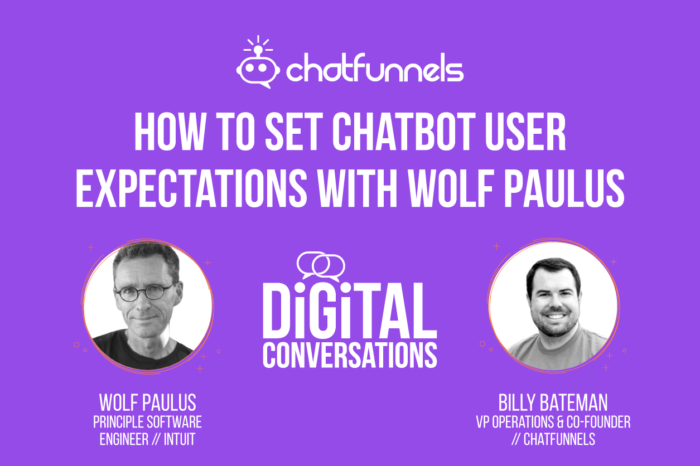
During this episode of Digital Conversations with Billy Bateman, I had the opportunity to talk about some principles of Voice User Interfaces and the importance of setting expectations.
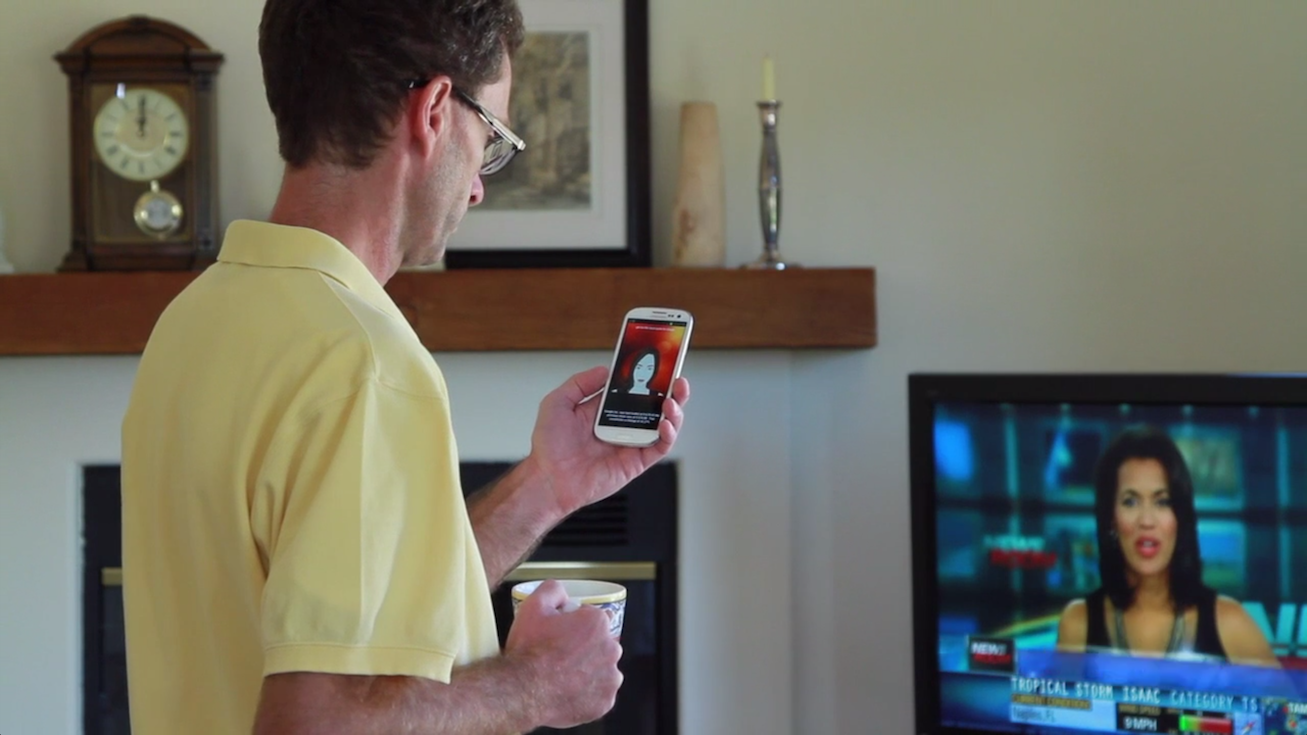
Many of the new concepts I’m working on, are communicated best through video clips or short films.
Take a look at some short HD films that I have created over the last few months and years.
Take a look at some short HD films that I have created over the last few months and years.
“Amateur Professionalism”, a concept used since 2004, describes an emerging sociological and economic trend of people pursuing amateur activities to professional standards. That pretty much describes, how I look at my photography work today.
If you like, take a look at some of my photos and the stories they tell.
If you like, take a look at some of my photos and the stories they tell.

RECENT POSTS

Could there be an effective computer for students that are REALLY on a budget?
During my final years in high school, I became captivated by the world of computers, succumbing to the allure of programmable devices. The late-afternoon bus rides back to the city, followed by brisk 20-minute walks to the local university, often ...
Installing Linux on Windows (straightforward is was not)
No question, Windows has come a long way. WSL - "Windows Subsystem for Linux" was probably unimaginable while Bill Gates and later Steve Balmer were running Microsoft. However the former Microsoft CEO Steve Ballmer, resigned from the company's board in ...
Azure Serverless with a touch of TDD and CI/CD
AWS has enjoyed a stable market share in the low 30 percent. Google and IBM seem to be on opposing trajectories, and Microsoft is steadily growing its market share, reaching 23% in early 2023. Popular Cloud computing providers include services ...

AI-Tutor helping students to learn Python
[Cover art by Cyberpunk Portrait Generator API] You don't need to be a pessimist to imagine a world where students let AI tools do their homework and teachers use AI tools to evaluate students' submissions. Maybe there is still a ...
GPT – summarizing it cannot.
GPT-3, the third-generation Generative Pre-trained Transformer, is a neural network machine learning model trained using internet data to generate text. More often than not, however, I found that the T(ransformer) in GPT means "Transform into bullshit". Recently, I put the Lenovo ...
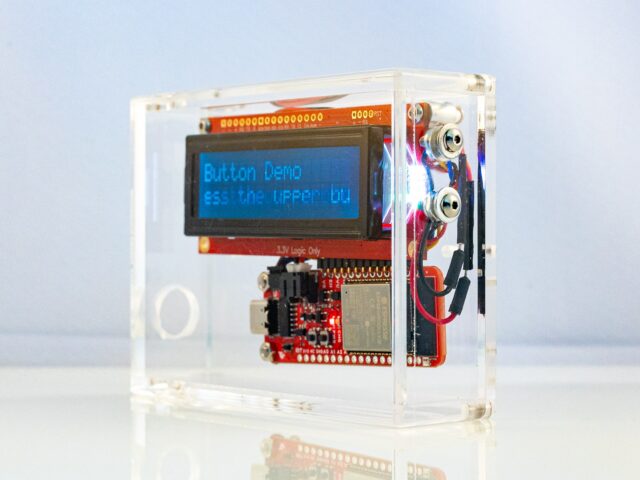
Programming pyBox
Probably the easiest way to develop software for pyBox and iterate reasonably fast, is using the PyCharm IDE with the MicroPython plugin enabled. Create a new project, enable MircoPython and create three files: boot.py, main.py, and app.py. Remember, during the ...

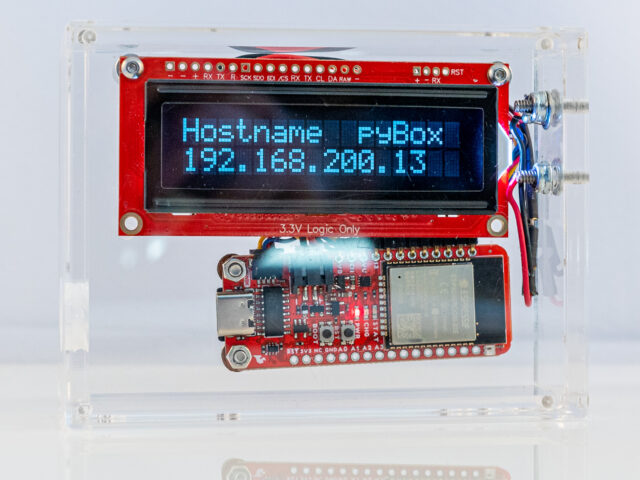
Porting MicroPython to pyBox
The standard ESP32 MicroPython port gets built for a generic ESP32 board. Compared to a generic board, pyBox has more to offer, most of which is not supported out of the box. Generic ESP32 pyBox 2GB Flash Memory 16GB Flash ...
pyBox Specification
Smallest viable MicroPython Computer? Dallas Semiconductor, acquired by Maxim Integrated in 2002, was a company that designed and manufactured analog, digital, and mixed-signal semiconductors. They had also designed the TINI board, a 68-pin SIMM, approximately 103 mm wide, 32mm tall, and ...

Installing Java on macOS 13 Ventura
For some time now, Java is not (pre-)installed anymore, let’s fix that. As I'm writing this, Java 19.0.1 is the latest version and Adoptium is one of the best places to find Prebuilt OpenJDK Binaries. Adoptium was known as AdoptOpenJDK, before the project was ...
Introducing pyBox
Could there be a computer that is as nimble as it is useful, and still be fun and distinctly easy to program? pyBox, a small single-board computer, connected to a frugal 16x2 character display may be just that. pyBox is ...
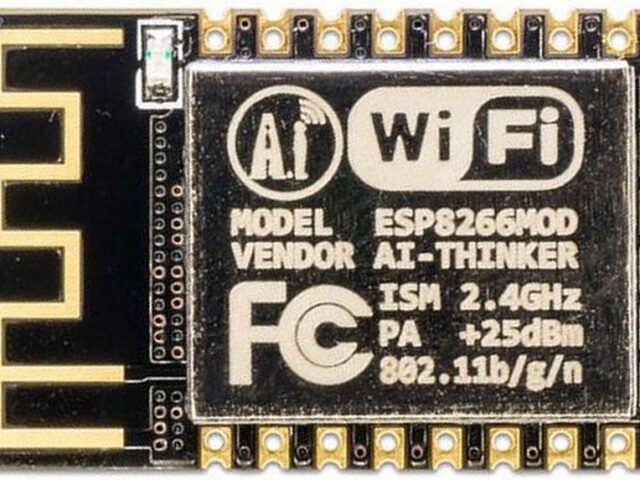
Micro Python on ESP8266 (HUZZAH ESP8266)
The ESP8266 is a low cost 80 MHz microcontroller with a full WiFi support. It can be found on several breakout boards, with Adafruit's HUZZAH ESP8266 being one of the better ones. For about $10 you can own a small ...
Installing Tomcat on macOS 12 Monterey
The Servlet 5.0 specification is out and Tomcat 10.0.x does support it. Time to dive into Tomcat 10. Prerequisite: Java Tomcat 10 requires Java version 8 or later and since OS X 10.7 Java is not (pre-)installed anymore. Let’s fix that ...

Onward to conversational applications
About 37%, or in numbers, 95 million U.S. adults have smart speakers in their homes. Half of them are daily active users. However, in the last two years, user growth has only been at 4%. (Smart Speaker Consumer Adoption Report ...
Installing Java on macOS 12 Monterey
For some time now, Java is not (pre-)installed anymore, let’s fix that. As I'm writing this, Java 17.0.3 is the latest LTS (Long Term Support) version and Adoptium is one of the best places to find Prebuilt OpenJDK Binaries. Adoptium was known as AdoptOpenJDK, ...